
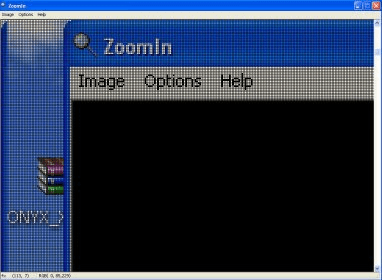
ZoomIn is a screen magnification program allowing you to view any area of your screen under magnification. ZoomIn allows you to control the amount of zoom, view a pixels location and color, and save it as a bitmap. New to version 2.0 is the ability to use ZoomIn on multiple monitors (by far the most requested feature).
ZoomIn is a very simple program to use. Place your mouse over the main window and click and hold the mouse button then drag the "zoom" window over the area of the screen to enlarge. The scrollbar controls the zoom amount. As an alternative to using a mouse, you can use the arrow keys to scroll the "zoomed" view, and the plus and minus keys control the zoom. Once you have selected the area of the screen, release the mouse button. By placing your cursor over the pixel in ZoomIn you can see the pixels coordinates as well as the color (in RGB format).




Comments (1)